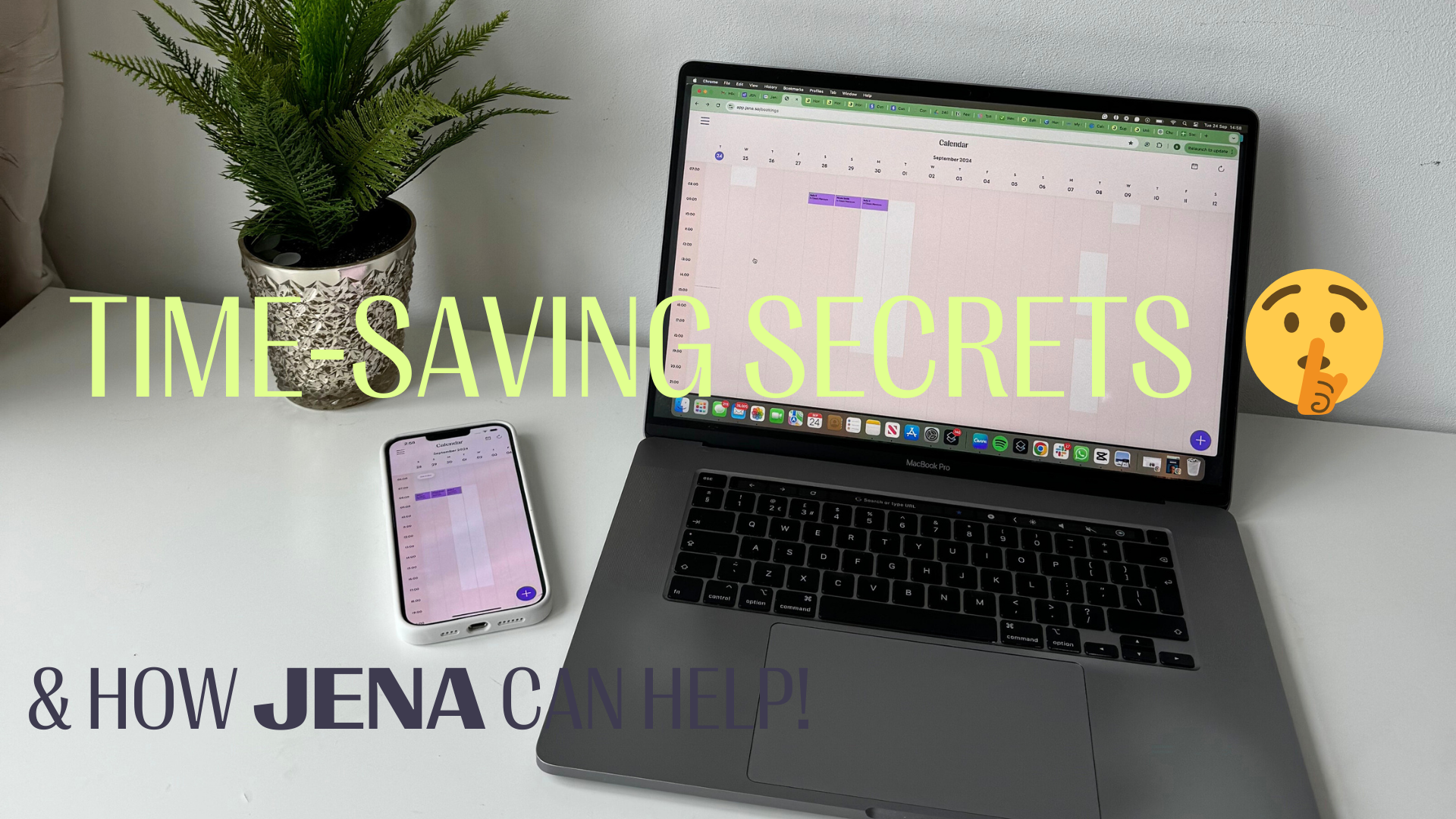

Your bookings, your rules: a practical guide to booking controls in JENA



You want clients to find your business online. That doesn’t always mean you want everyone to book straight into your diary.
Perhaps you’re happy with your regular clients and aren’t taking on anyone new. Perhaps you want a conversation before agreeing to an appointment. Or your services don’t all fit neatly under one fixed price.
You shouldn’t have to take your website down or explain everything from scratch in your DMs.
In JENA, you can pause online bookings while keeping your website live, accept online bookings from existing clients only, and choose whether a service shows an Exact or From price.
Here’s when each setting makes sense, and what to think about before using it.
1. Want a conversation before someone books?
Sometimes an appointment needs a little more discussion before it goes in the diary.
Take a colour correction. Before agreeing to the booking, you might want to understand the client’s hair history, see a photo and discuss what they’re hoping to achieve.
If you want to handle bookings yourself, you can switch online booking off in JENA. Your website stays live, so clients can still browse your services. You can then add appointments yourself once you’ve agreed the details.
This is a business-wide booking setting, not a rule that automatically requires a consultation for one particular treatment.
To use it: turn online booking off, then manage agreed appointments manually in JENA.
Before you do, make the next step clear wherever you direct clients to book. Tell them how to contact you and what information would help you answer their enquiry.
For example, you could write:
Please message me before booking so we can check which service and appointment length you need. For colour enquiries, include a current photo of your hair and what you’d like to achieve.
Keep that request relevant to your service. A clear next step is more useful than leaving someone wondering why they can’t book.
2. Not taking new clients, but want your regulars to keep booking?
This is different from pausing online booking altogether.
You might have enough clients for the hours you want to work. You still want your regulars to book their next appointment without messaging back and forth, but you don’t want to accept new clients right now.
That’s what Closed Books is for.
With Closed Books enabled in JENA, clients already on your client list can continue booking online. New clients cannot.
To use it: check that your regular clients are on your JENA client list, then enable Closed Books while leaving online booking on.
That client-list check matters. Having a JENA account alone does not make someone an existing client of your business.
You can also explain the change in your usual client communications. For example:
I’m not taking on new clients at the moment, but existing clients can keep booking online as usual. Thank you for keeping me busy 💜
There is no need to promise a reopening date if you haven’t decided one. If you do invite enquiries about future availability, be clear about how you’ll handle them.
Closed Books controls who can book. It doesn’t mean you need to stop showing people your work or talking about your business.
3. Does the price depend on the service someone needs?
One fixed number doesn’t always tell a client enough.
A treatment might cost more depending on hair length, the work involved or the variation someone chooses. If you show only the lowest amount without explanation, a client could mistake it for the final price.
In JENA, you can choose Exact or From pricing for each service.
Use Exact when the displayed amount is the fixed price for that service. Use From when it is a starting price and the final amount can vary.
To use it: choose Exact or From for the relevant service and enter the amount you want to display.
For example, a service listed as “From £50” tells clients that £50 is the starting point. It does not mean every version of that service costs £50. This is an example, not a suggested price for your business.
Give clients a short explanation of what affects the amount, too. You could write:
The final price depends on your hair length and the work needed. Please get in touch so we can discuss your appointment and confirm the price.
From pricing changes how the price appears. It does not automatically calculate the final amount or adjust the appointment length. You still need to agree those details with your client.
See the settings in action
JM walks through all three in this short video:
Start with the situation that fits your business today. If you want to handle every booking yourself, pause online booking. If you only want to stop new clients booking, use Closed Books. Review Exact or From pricing separately for each service that needs it.
You don’t need to use all three. Choose the settings that make your booking process clearer for you and your clients.
Set up bookings your way
JENA brings your services, online booking preferences and appointment management into one app for your solo business.